

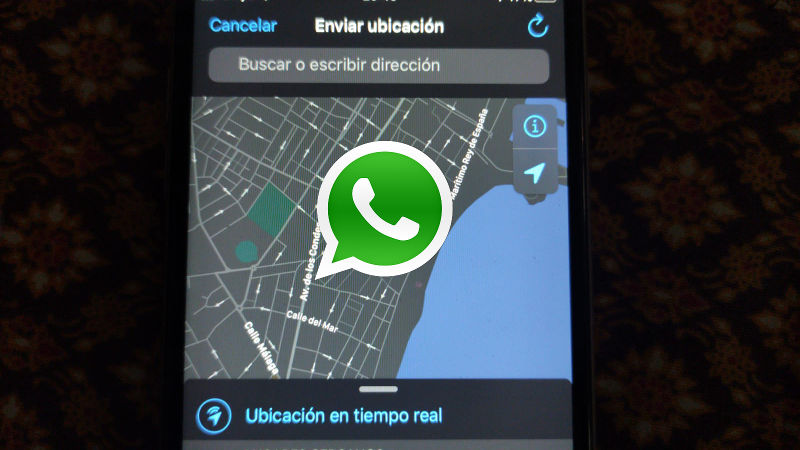
Do you want to track a cell phone in an effective and efficient way? The easiest way is to use the functionalities that applications that we all use on a daily basis offer us.
In this article, you will learn the steps to find out the location of any of your WhatsApp contacts as long as they have agreed to share their location with you from the application. Keep reading!
Not everyone knows these alternatives, but they are effective and legal. So, let’s get started now!
Tabla de Contenido
Why would I need to know the location of a cell phone?
Currently, one of the most frequently asked questions is “how can I locate a cell phone?” Especially, “how can I do it without for free and without much trouble?”


Locating a cell phone without consent is not legal. So run away from applications and methods that allow you to do this, because without explicit written permission from the owner of the device or some kind of court order, it is prohibited in the vast majority of countries.
The reasons? They could include diverse urgent situations, which would require you to know the place where your loved one is located. For instance, in case that they lose their cell phone and didn’t know how to recover it without using a mobile device.
Tracking a cell phone via WhatsApp
Recently, WhatsApp’s platform was the center of a controversy when it was announced that the app allows you to know the place where each person is located.
Although a lot of people felt bad about it, the developers stated that this would be beneficial for many people, such as parents, who are looking for ways to track their children´s activities.
Requirements to do the process
Before learning the procedure, keep in mind that you need to meet some of the app´s requirements in order to do it. These requirements include:
- Having an internet connection, or, if unavailable, cell phone data.
- Your cell phone should have its GPS turned on.
- In case that the cell phone to track is turned off, you will only be able to obtain the location results in a maximum of 48 hours later.
Now that you know these facts of great importance, you can now track your cell phone via WhatsApp.
1# From WhatsApp
Keep in mind that any user of this app can share their location information in real time through a map. Also, it can only show a specific single contact or a group, and this option will be turned off by default.
It is worth noting that such feature from this app can only work if both parties fully agree to do this. In other words, you cannot know that location of the other person if they haven´t given you their consent beforehand.
Additionally, this process gives you the opportunity to have control over how long the visibility lasts. In other words, you control the time in which the other person can see your location.
1.1 Steps to do the tracking:
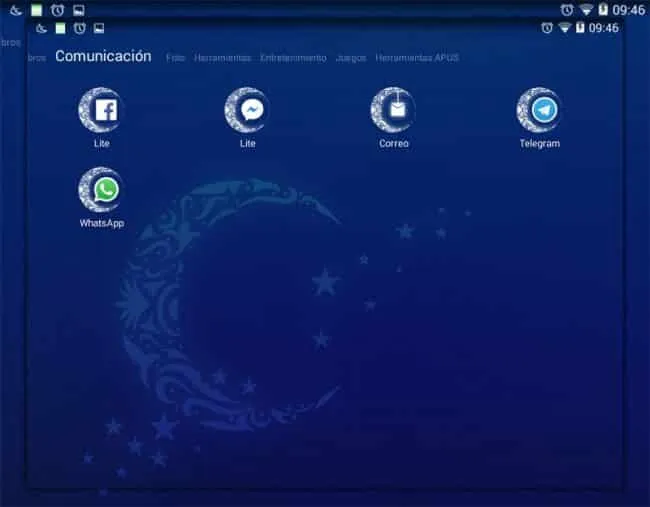

The first thing that you need to do is to go to the mobile app, and then go to the WhatsApp conversation of your choosing.
Second, press the “attach” button that is located to the side of the “send” button. It is shaped like a clip.
Third, a pop-up menu will appear, in which you will have to select the option “location”.
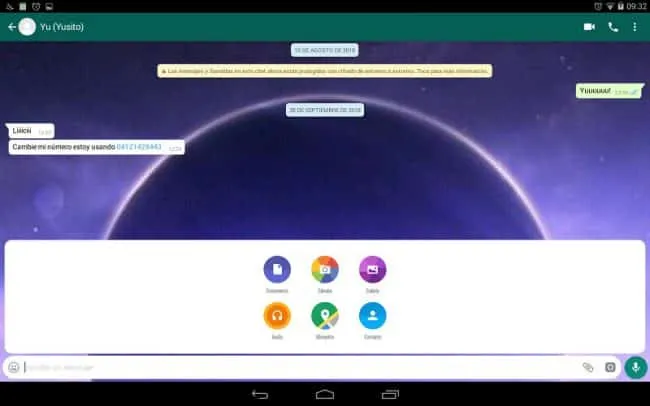

Fourth, you will reach a new window, where you will have to select the option “real-time location”, and choose your preferred time period option (15 minutes, one hour, four hours, or 8 hours.)
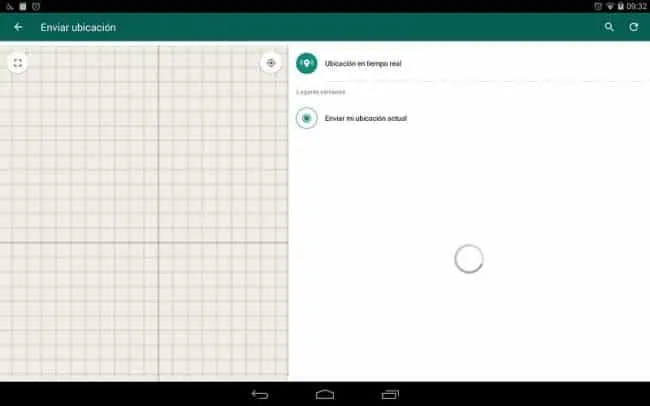
Keep in mind that the other person will share their location through WhatsApp during the chosen time period and, once the time is up, their location will become private once again. In case that you do not wish to wait until the time period is finished, you can choose the option “stop sharing”.
Apps to track cellphones
Currently, a lot of people know that a cellphone can be tracked through apps, but not many know the most effective ones. So, if you´re interested in this topic, pay attention to our geolocation category, it’s full of articles covering this topic.


Now that we have reached the end, what do you think about this article? Has it worked for you? Has it been too complicated? If it hasn´t been too complicated, share it with your friends and, if you know other ways to send this information, use them and help us.
And remember, tracking a person´s cellphone without asking for their consent could get you in trouble, therefore, you need to take this matter with utmost responsibility.